The SEO Reality of Headless WordPress & CMS Architecture (Core Web Vitals Guide)
If you're reading this, you are likely evaluating a headless architecture for your brand, or worse, you've just completed a headless migration and your organic search traffic is in a freefall.
As an independent technical architect, I get called in to rescue these botched migrations constantly. Let me be brutally honest with you: A headless CMS is a double-edged sword. On one side, it offers the ultimate technical foundation to dominate Google's Core Web Vitals (specifically Largest Contentful Paint and Interaction to Next Paint). On the other side, if configured poorly, it completely strips your marketing team of their editorial control, destroying your SEO velocity.
Let's dive into the reality of headless architecture in 2026, and how to build it correctly.
The Headless CMS Hub: What You Need to Know
Before we discuss Core Web Vitals, we need to answer the high-volume questions my clients ask me every day.
What does Headless CMS mean?
A traditional CMS (like standard WordPress) is monolithic. The database where you write content is tightly coupled to the frontend code (the HTML/CSS theme) that displays it. AHeadless CMSdecouples these two layers. Your CMS becomes purely a database (a content repository) that spits out raw data via APIs. Your frontend is built entirely separately, usually using a modern JavaScript framework like Next.js.
Advantages and Disadvantages of Headless CMS
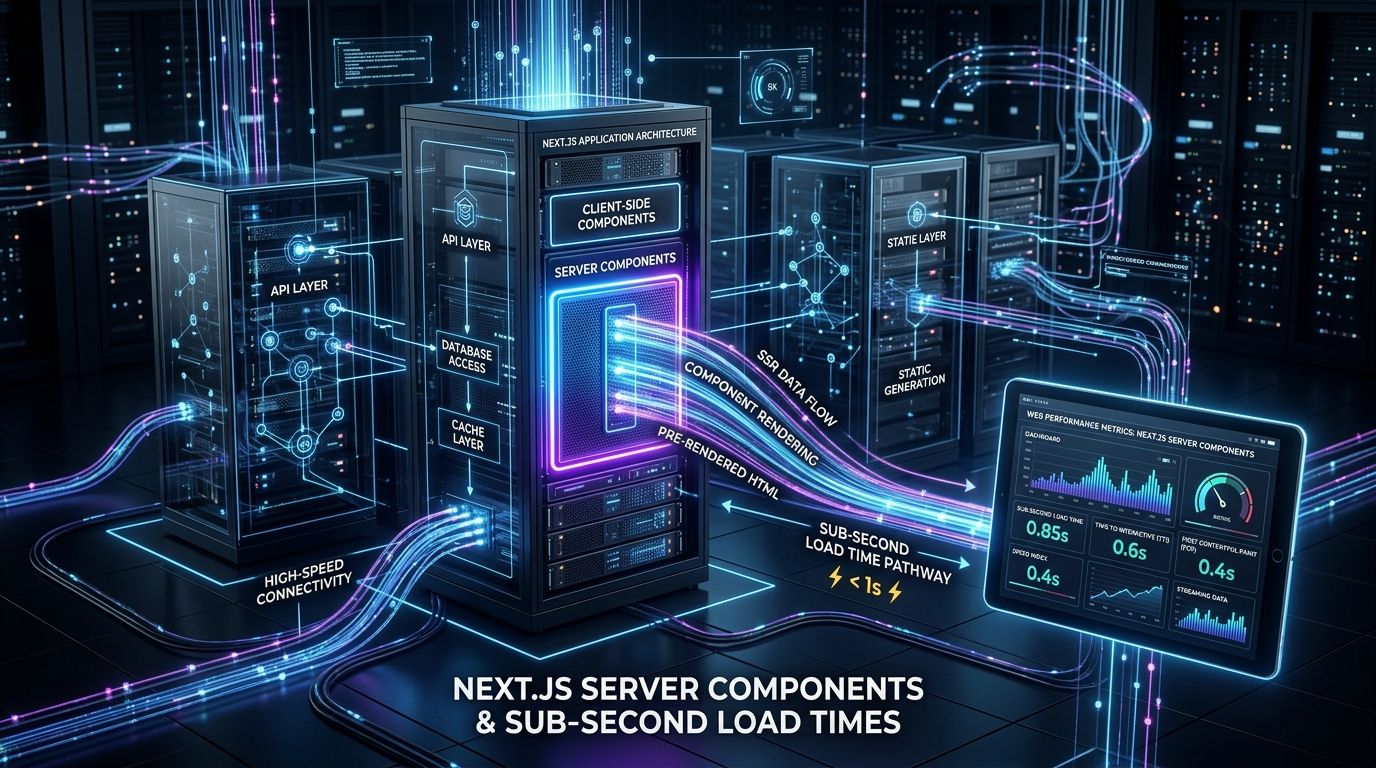
The Advantages:Unparalleled speed. By removing bloated PHP themes and database queries from the frontend rendering path, you can achieve sub-second load times. It also allows for omnichannel delivery—you can push that same API data to a web app, an iOS app, and a smartwatch simultaneously.
The Disadvantages:The loss of "What You See Is What You Get" (WYSIWYG). Your marketing team can no longer install a simple SEO plugin like Yoast or RankMath to fix meta tags on the fly. If you want a new structured data field, you often have to submit a Jira ticket to your engineering team. This loss of editorial agility is the "Headless Trap."
Can WordPress be used as a Headless CMS?
Absolutely.Headless WordPressis incredibly popular because it allows marketers to keep the familiar WordPress backend while developers get to build a blazing-fast Next.js frontend. By utilizing plugins like WPGraphQL, we can query WordPress data highly efficiently. However, you must architect the frontend to dynamically generate meta tags and schemas that WordPress usually handles automatically.
The Best Headless CMS Platforms in 2026 (Open Source vs. Enterprise)
- Strapi:The best open-source headless CMS if you want total control and self-hosting capabilities. It plays beautifully with Next.js.
- Sanity:Incredible for structured data and real-time collaboration. It is heavily favored by enterprise engineering teams.
- Contentful:The premium, enterprise-grade SaaS option. Highly reliable, but carries a hefty price tag compared to open-source alternatives.
- Payload:A rapidly growing open-source CMS built entirely in TypeScript, favored for its developer experience.
Core Web Vitals: The Headless Performance Advantage
If you execute a headless build correctly using a framework like Next.js, you will dominate Core Web Vitals.
Google's 2026 algorithms heavily prioritize field data (CrUX) over synthetic lab scores. They are looking closely atINP (Interaction to Next Paint). Traditional monolithic sites often fail INP because massive JavaScript bundles freeze the main thread while the browser tries to parse a bloated theme.
In a headless Next.js architecture, we useIncremental Static Regeneration (ISR)andReact Server Components (RSC). We render the heavy HTML on the server edge. By the time the code reaches the user's mobile browser, it is a lightweight, static-like file. The result? Near-instant LCP (Largest Contentful Paint) and zero main-thread blocking, guaranteeing a passing INP score.
The Next.js Boilerplate Solution
To avoid the "Headless Trap" where marketers lose SEO control, your frontend must be pre-configured to handle dynamic OpenGraph tags, canonical URLs, and JSON-LD schema markup dynamically via the API. If you want to bypass 40+ hours of custom engineering to wire this up, I highly recommend starting with my production-readyNext.js Boilerplate. It is explicitly architected to connect to Headless WordPress, Strapi, or Sanity while maintaining perfect technical SEO out-of-the-box.
Don't Let Architecture Destroy Your Traffic
Moving to a headless CMS is a massive architectural decision. If you have a small marketing team that relies heavily on visual page builders, headless might destroy your velocity. But if you need elite, omnichannel performance, it is the only way forward.
Did your recent headless CMS migration tank your organic traffic? You don't have an SEO problem; you have an architecture problem. Let's fix your rendering path.
Book a technical discovery call with me today, and let's map out the perfect, high-performance headless stack for your enterprise.
Frequently Asked Questions (FAQ)
What is the difference between a traditional CMS and a Headless CMS?A traditional CMS tightly couples the backend database with the frontend presentation layer (like a WordPress theme). A Headless CMS decouples these, acting only as a backend content repository that delivers data via API to any custom frontend.
Is Headless WordPress good for SEO?Headless WordPress is excellent for SEO when configured correctly, as it drastically improves Core Web Vitals (LCP and INP) via frameworks like Next.js. However, it requires custom development to handle meta tags and JSON-LD schema, which traditional plugins normally handle.
Which Headless CMS is best for Next.js?For Next.js, Strapi is the best open-source option for self-hosting, while Sanity and Contentful are the top choices for enterprise-grade SaaS environments requiring complex structured data.